
Turn sketches into photorealistic
renders with AI.
In seconds.
Upload your SketchUp export, screenshot or hand sketch and get a photorealistic AI render in seconds. No prompting needed — the AI understands your drawing.
No prompts · Free to join · No payment now
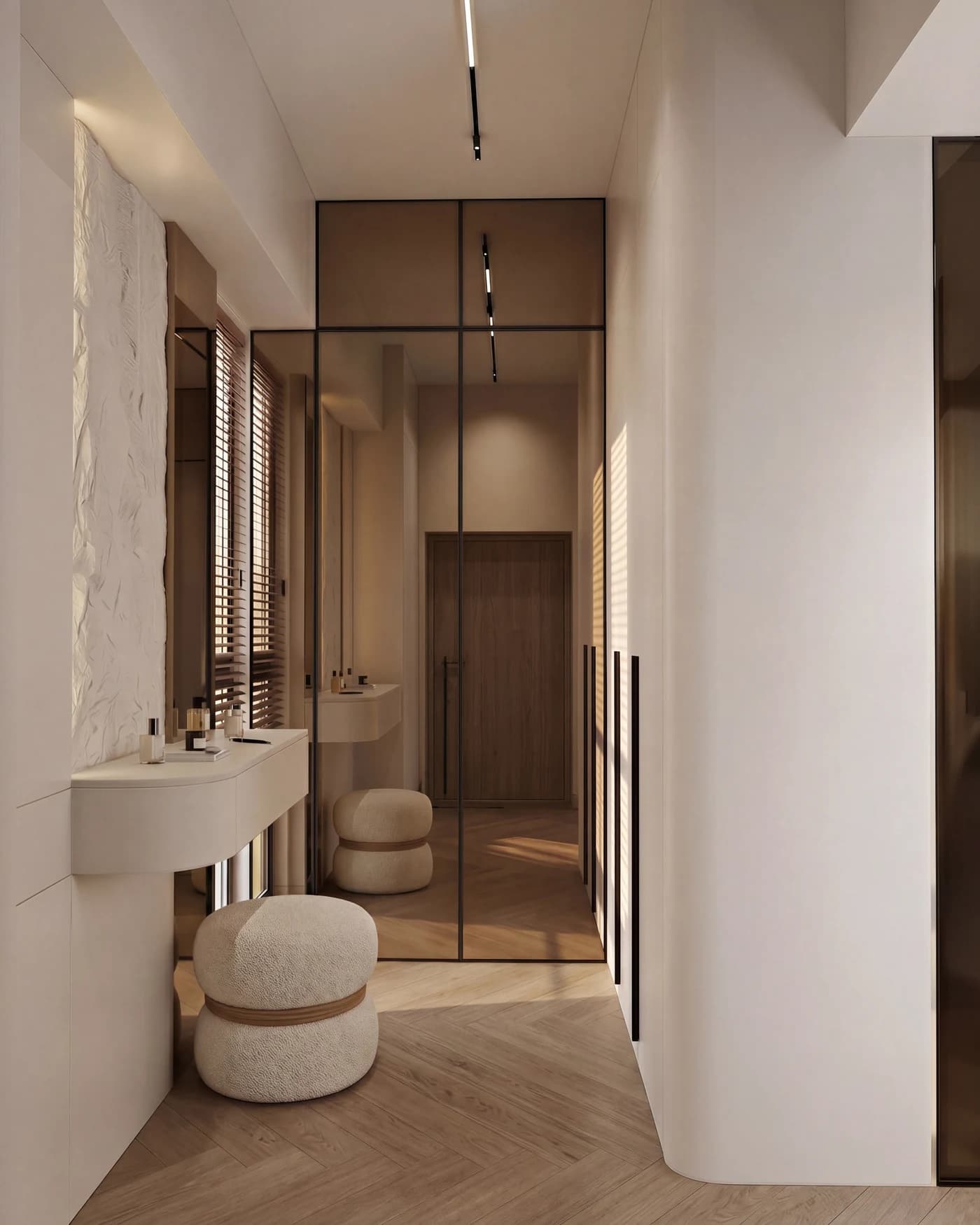
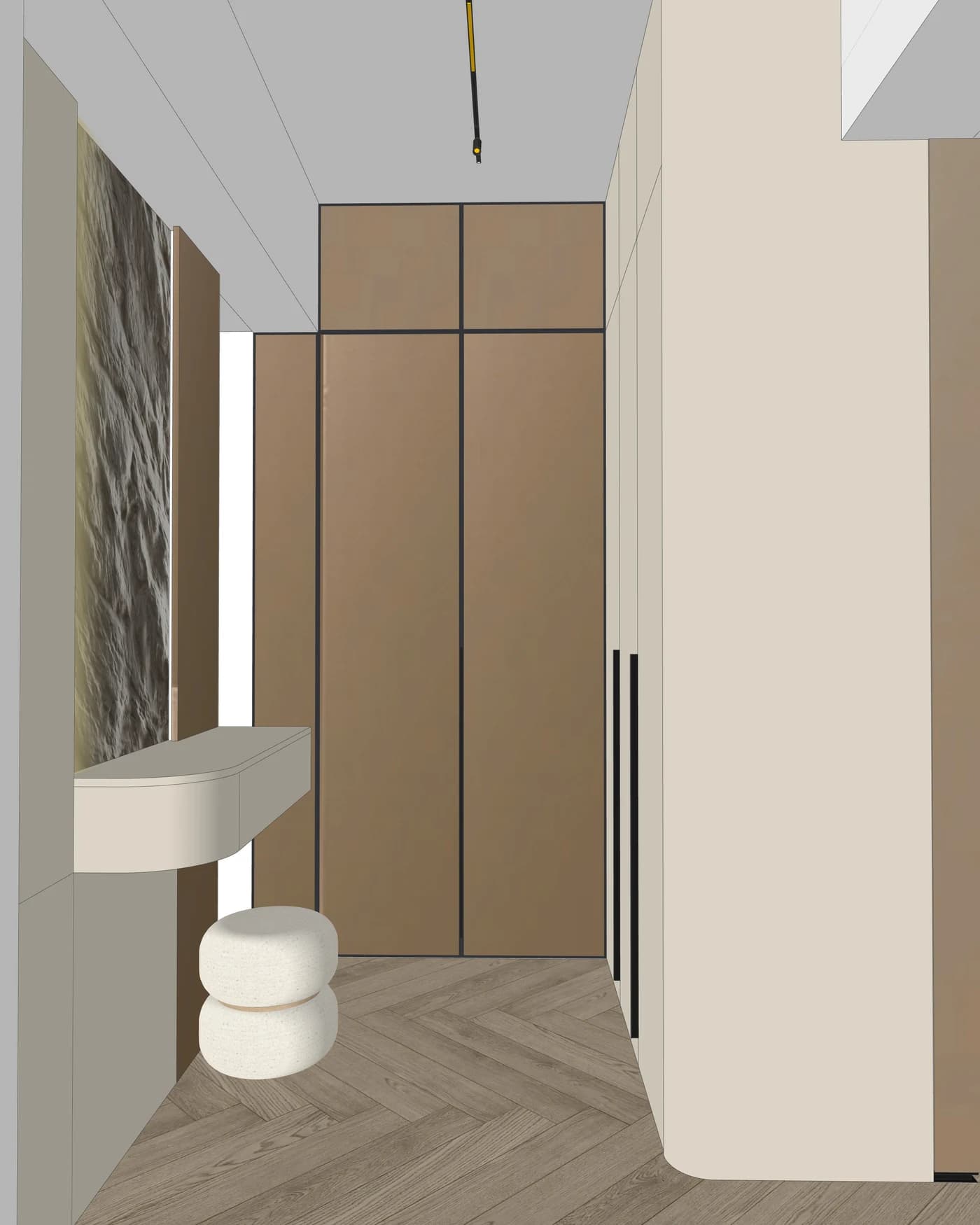
See AIRender in action.
From SketchUp export to photorealistic render — watch the full workflow.
AI-powered rendering that
understands architecture.
From sketch to photorealistic render — your geometry, proportions and camera angle stay true to what you designed.
No Prompting Needed
Upload the image, get the render. No prompt writing, no settings to learn, no parameters to tune — the AI reads your drawing and takes it from there.
One-Click Rendering
Upload your sketch or export and receive a photorealistic render in seconds. No prompting, no tweaking required.
Your Design, Preserved
Your layout, proportions and camera angle stay true to what you drew. The AI renders your design — it does not reinvent it.
Batch Processing
Upload up to 8 views simultaneously and render them all at once. Process an entire project in one session.
Two premium models
Render on Nano Banana Pro or Seedream 5 Pro — same price, every plan. Two interpretations of the same sketch; pick the one that suits the project.
Everything your studio needs.
Eight powerful tools built for architects, designers and creative studios.
Hover a card to see how it works — tap on touch.
From sketch to photorealistic.
One platform, eight superpowers.
Render faster with AI that understands architecture.
Upload an image, pick a look, get a render. Your geometry, proportions and camera angle stay true to what you drew.
Simple, transparent pricing
for every studio.
Plans open at launch, and nothing is charged before then. Join the waitlist to hear first.
Credits reset to your plan allowance each billing period — unused credits do not carry over.
Seamlessly integrate with
your design tools.
From SketchUp to photorealistic — give your clients the wow factor.
Drop your SketchUp export, DWG screenshot or architectural photo.
Interior or exterior, mood and lighting, output resolution. Two clicks.
Photorealistic output in seconds, powered by Nano Banana Pro or Seedream 5 Pro.
From sketch to client presentation, in one sitting.
Pick your renders, add your logo and a few notes, and export a print-ready PDF your client will remember.
- Four templates designed with architects
- Your SketchUp view next to the render, on the same page
- Your studio's logo, notes and client name
- Print-ready PDF in A4 or A3
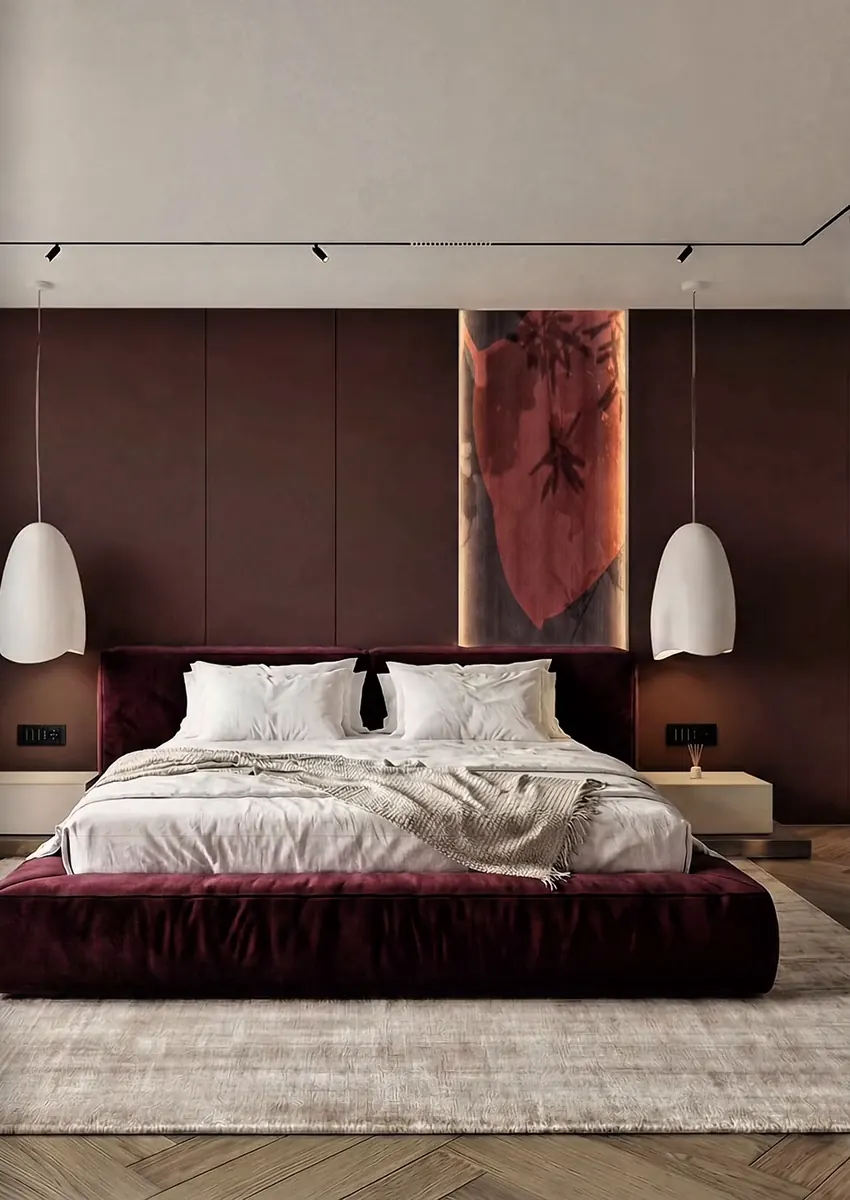
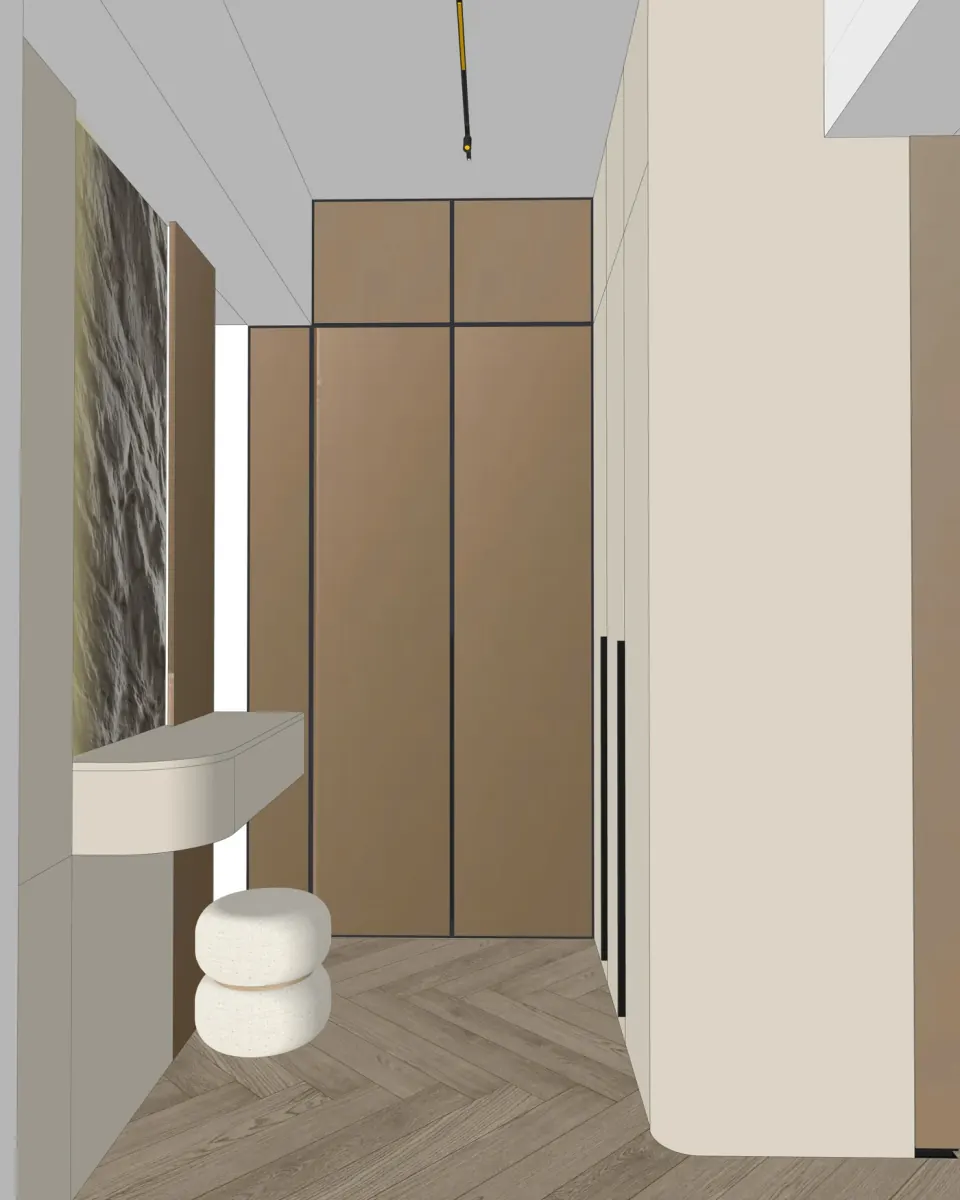
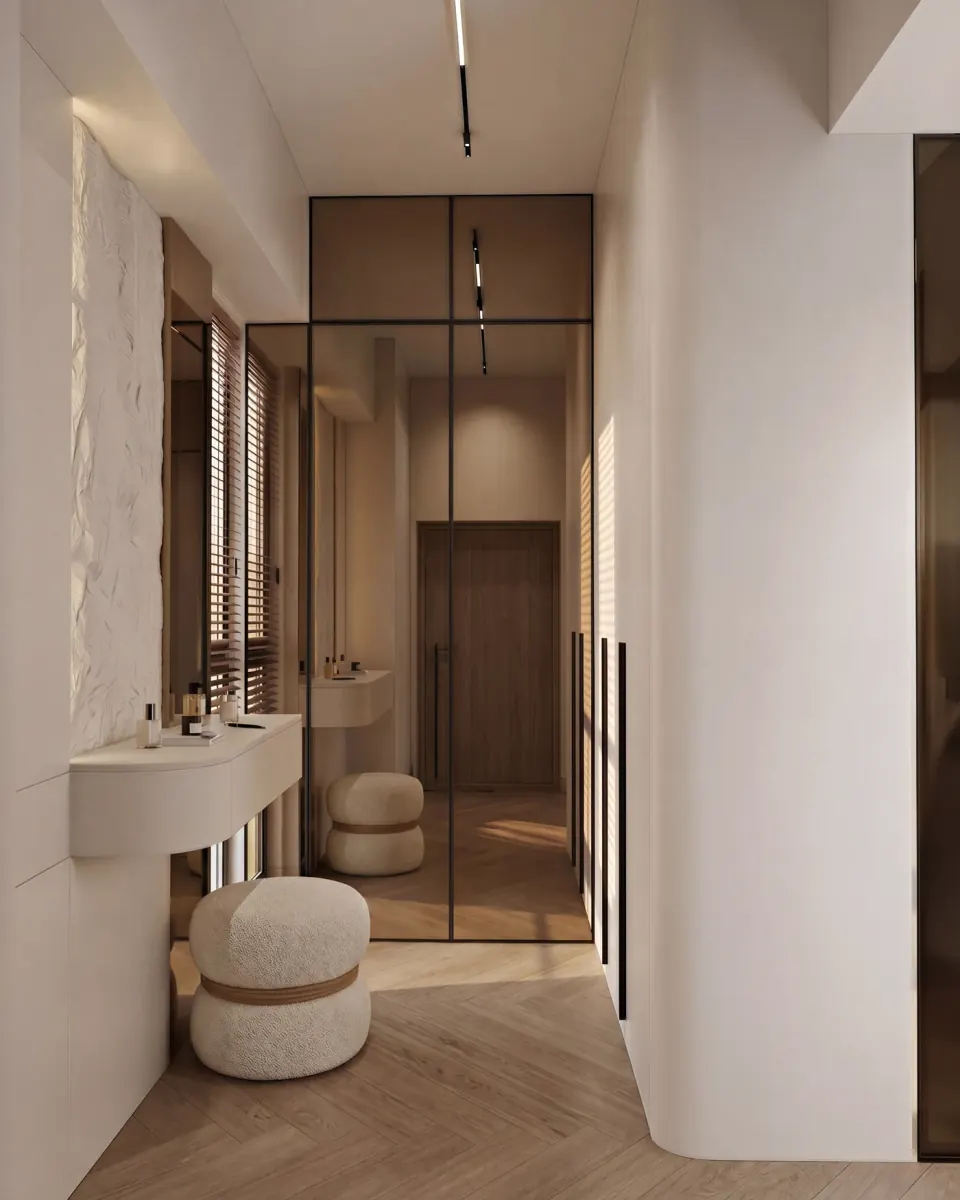
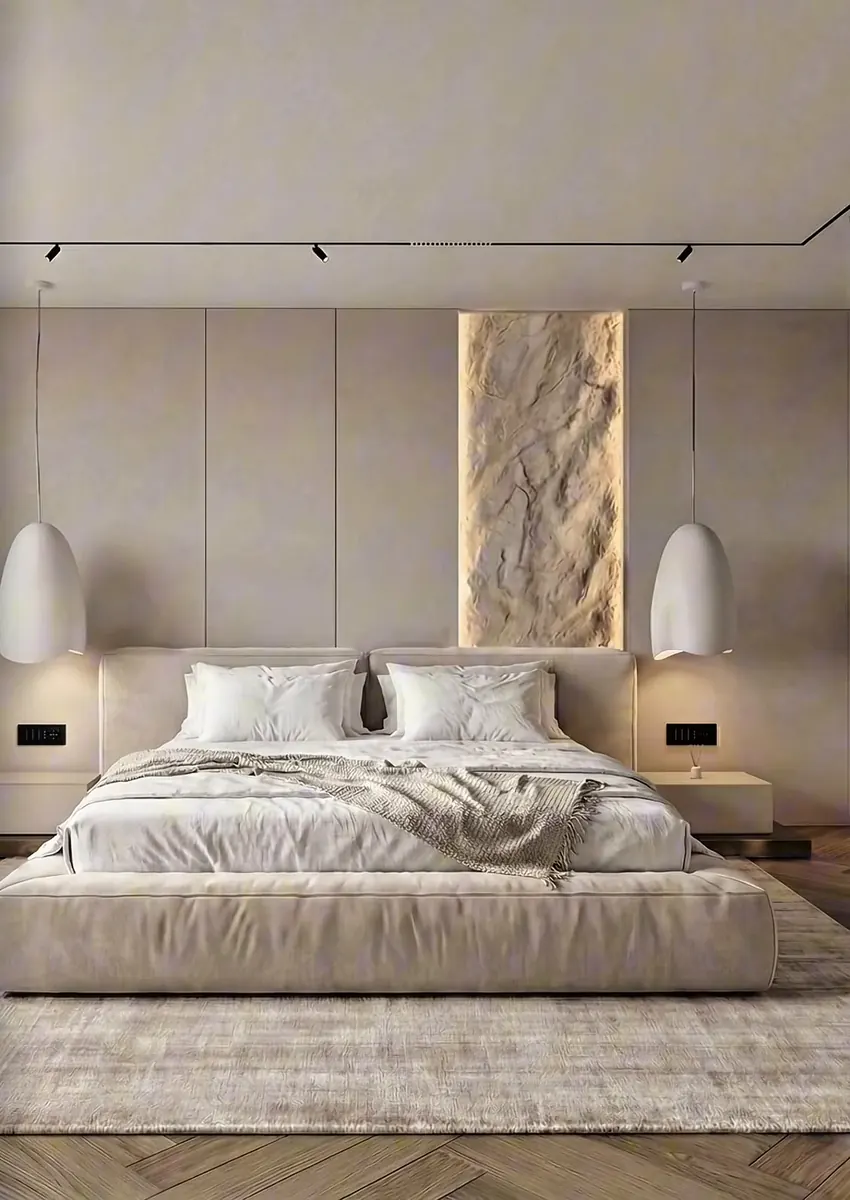
Coming soon.
Become a founding studio.
The first 100 waitlist sign-ups get 50% off the Pro or Studio plan for their first 12 months after launch, plus priority support and a direct line to the team building it.
Free to join · No payment now
Got questions?
We've got answers.
Everything you need to know about AIRender.
No. AIRender runs entirely in your browser and rendering happens on our cloud infrastructure. It works on any laptop, including Mac, with no installs and no expensive hardware.
None. Upload any image of your design — a SketchUp export, a screenshot or a hand sketch — and the AI does the rest. No text prompts, no settings to learn.
It's built not to: your layout, proportions and camera angle are kept — the AI renders what you drew rather than reinventing it. Materials and lighting are inferred from your drawing.
JPG and PNG, up to 20MB per file. Anything that exports an image works: SketchUp, Revit, AutoCAD, ArchiCAD or Rhino exports, DWG screenshots, photos — even hand sketches.
5 credits on signup on the Free plan. Then 50 credits a month on Starter, 150 on Pro and 400 on Studio. A 1K render costs 1 credit, 2K costs 2, and 4K costs 4. Failed renders are refunded automatically.
No. Credits reset to your plan allowance each billing period — unused credits do not carry over. The Free plan's credits are a one-time grant at signup rather than a monthly allowance.
Renders run on Nano Banana Pro or Seedream 5 Pro — you choose, per render. Both cost the same credits and both are on every plan: they interpret a sketch differently, and neither is the budget option. Edits run on Gemini Nano Banana Pro.
Yes, from the Starter plan up. Pick your renders, choose one of four templates, add your logo and a short note per image, and export a PDF in A4 or A3, for screen or for print. Your SketchUp view can sit next to the render. Presentations cost no credits.
Join the waitlist and we will email you when AIRender opens. The first 100 sign-ups get 50% off the Pro or Studio plan for their first 12 months after launch. Joining is free and nothing is charged now.