
From SketchUp to a photorealistic render, straight from your export
Save the view as an image, upload it, get the render. Nothing to install, no prompts, no material tuning: the AI reads your drawing and keeps its geometry, proportions and camera angle.
5 free credits on signup · no card needed
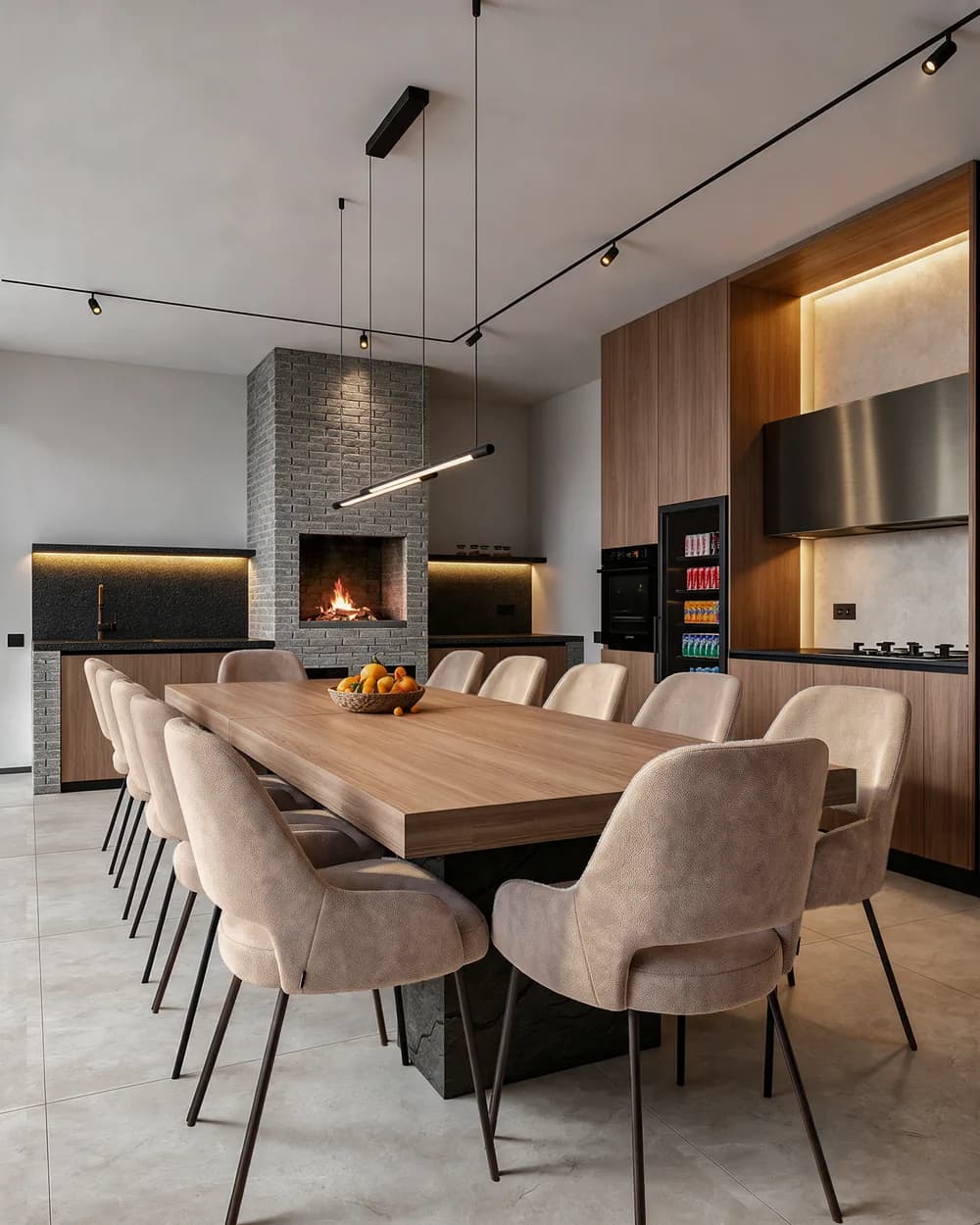
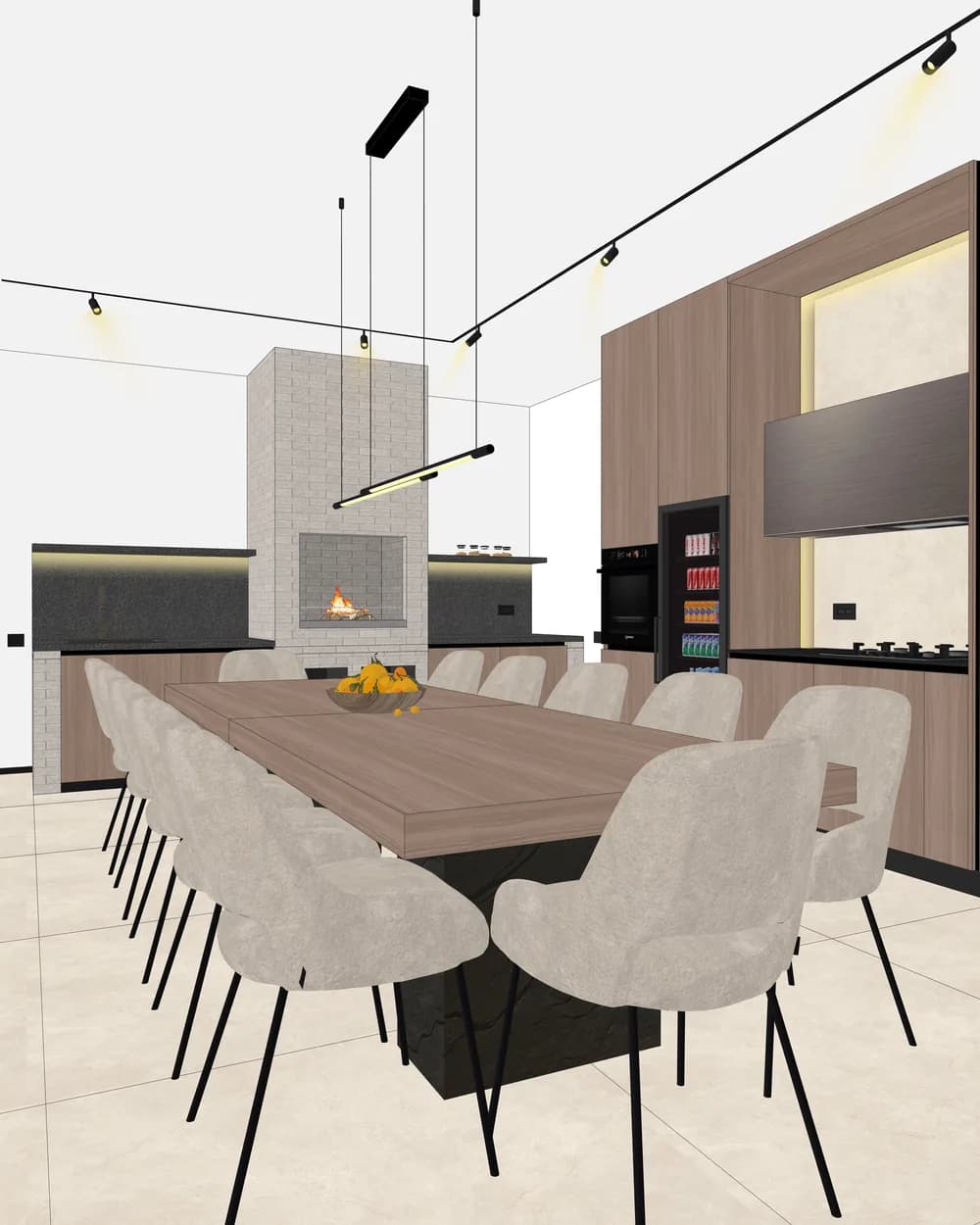
SketchUp to render in three steps
- 01
Export the view
In SketchUp: File › Export › 2D Graphic, as JPG or PNG. A screenshot works too. Up to 20 MB.
- 02
Pick the look
Interior or exterior, the light (day, golden hour, night, overcast), the resolution (1K, 2K, 4K) and the model: Nano Banana Pro or Seedream 5 Pro.
- 03
Download the render
Under a minute with Nano Banana Pro. Download it at the resolution you chose, or keep working on it in the editor.
What the AI keeps from your model
Walls, openings, proportions and the camera angle stay yours. The AI puts materials, light and shadow on what you drew; it does not redesign the project. If you already set materials in SketchUp, the render starts from them.
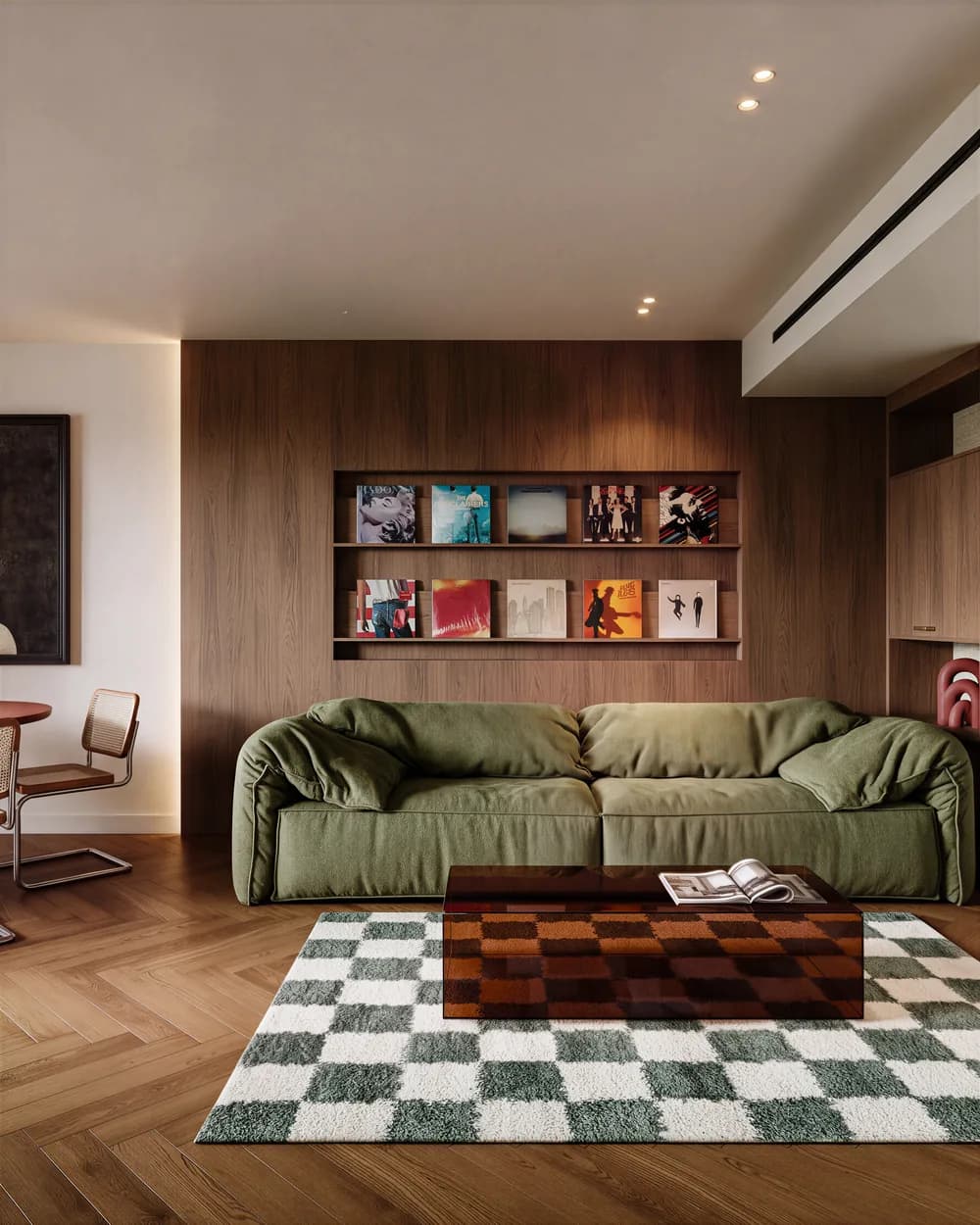
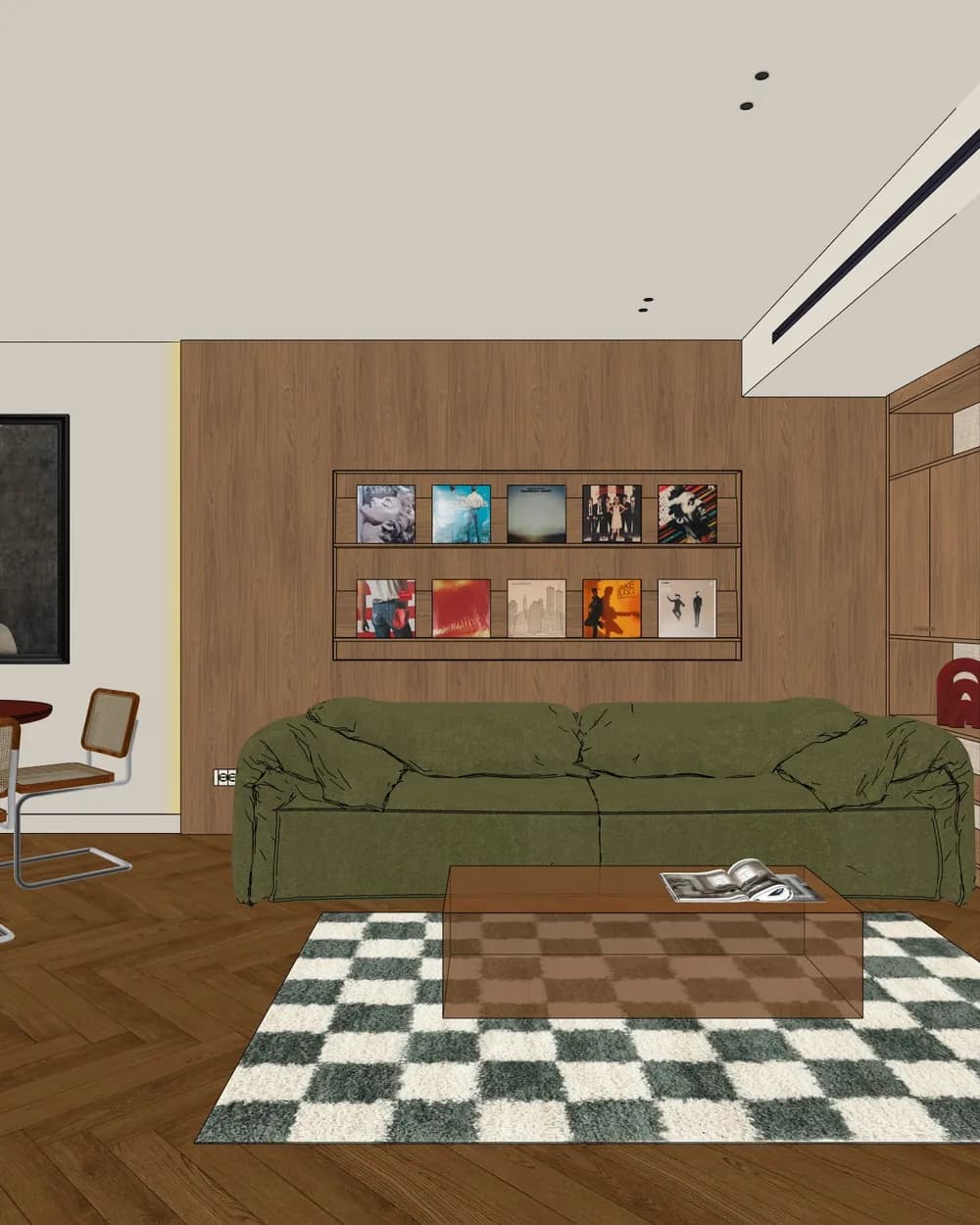
Every view of a project at once
Upload up to 8 views and they render in parallel with the same settings. A whole apartment (hallway, living room, kitchen, bathroom) comes out of one submission. How many views you can send at once depends on the plan: 1 on Free, 2 on Starter, 4 on Pro, 8 on Studio.
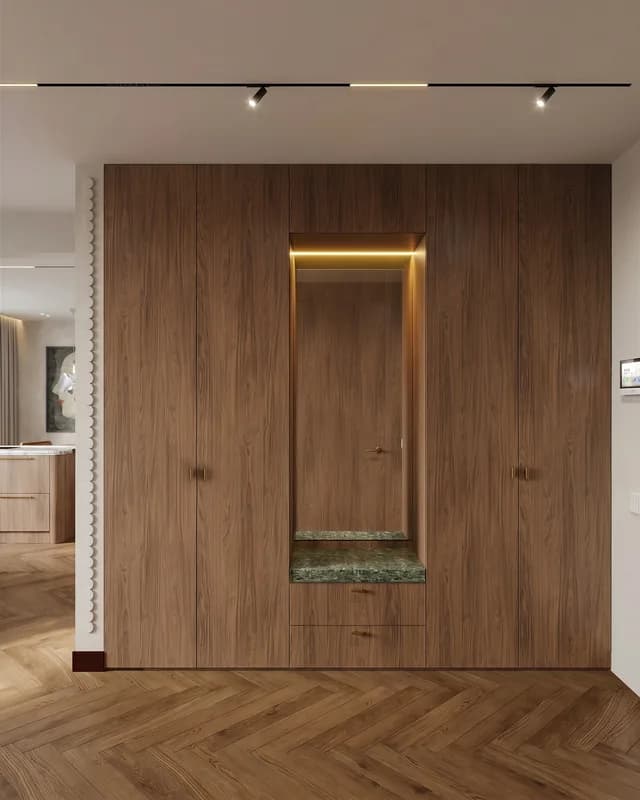
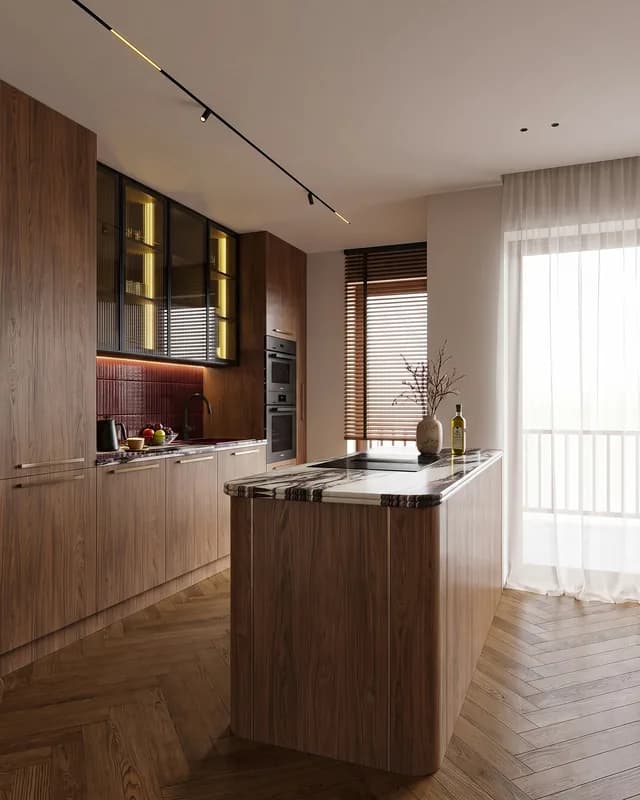
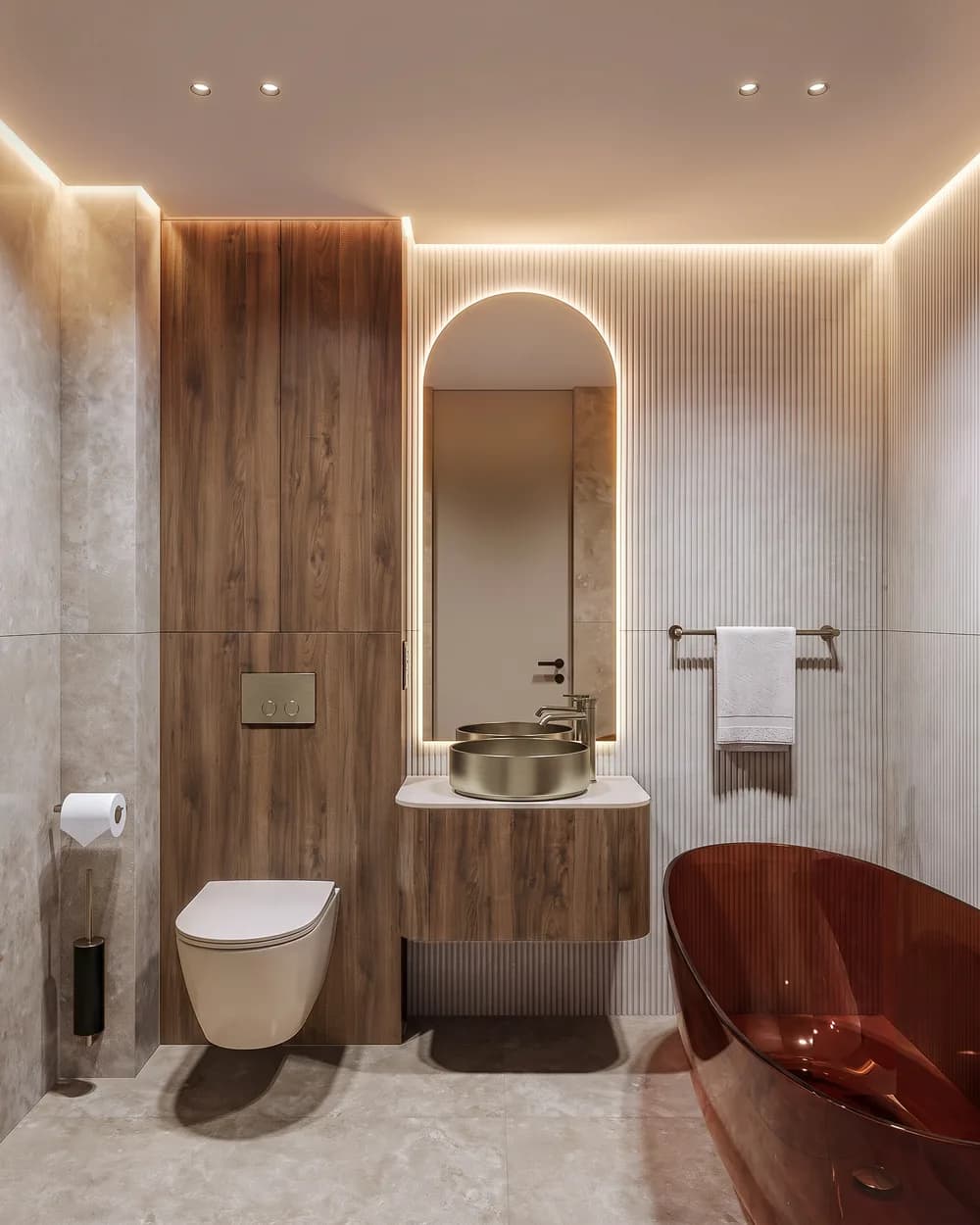
Four views of one apartment, one batch.
Exteriors too
Facades, volumes, courtyards: the same workflow, with sky and landscape rendered to match the camera angle. Choose exterior when you render and pick the light, just as for a room.
After the render
Swap a material or remove an object in the editor, generate a new camera angle from the same image, raise the resolution with upscale and, from the Starter plan, send the client a PDF presentation. Interiors have their own guide: photorealistic interior renders.
Questions, answered.
No. AIRender runs in your browser: export an image from SketchUp and upload it. It works with any SketchUp version, SketchUp Free included, and on a Mac.
SketchUp’s own AI Render works inside SketchUp with your subscription’s credits. AIRender works from an exported image, so it needs no particular SketchUp plan, and adds a choice of two models, batches of up to 8 views, an editor, new camera angles and client presentations.
A clean view with clear lines and base materials in place. SketchUp’s shadows are not needed. JPG or PNG, up to 20 MB.
Yes. Anything that exports an image works, screenshots and hand sketches included.
No. V-Ray and Enscape render your 3D scene with physically based light and give you full control, at the cost of setup and render time. AIRender works from a 2D image (under a minute with Nano Banana Pro) and suits concept stages, client iterations and quick variants. Many studios use both.
A 1K render costs 1 credit, 2K 2 credits, 4K 4 credits. The Free plan has 5 credits on signup; paid plans start at €19 a month. See pricing and what a render costs.
No, on no plan.
Try it on one of your own exports.
5 free credits on signup · no card needed