
Photorealistic interior renders, from your own drawing
Living room, kitchen, bathroom or bedroom: upload the view and get a render where materials, light and furniture sit exactly where you placed them. Made for concept presentations, finish options and client sign-off.
5 free credits on signup · no card needed
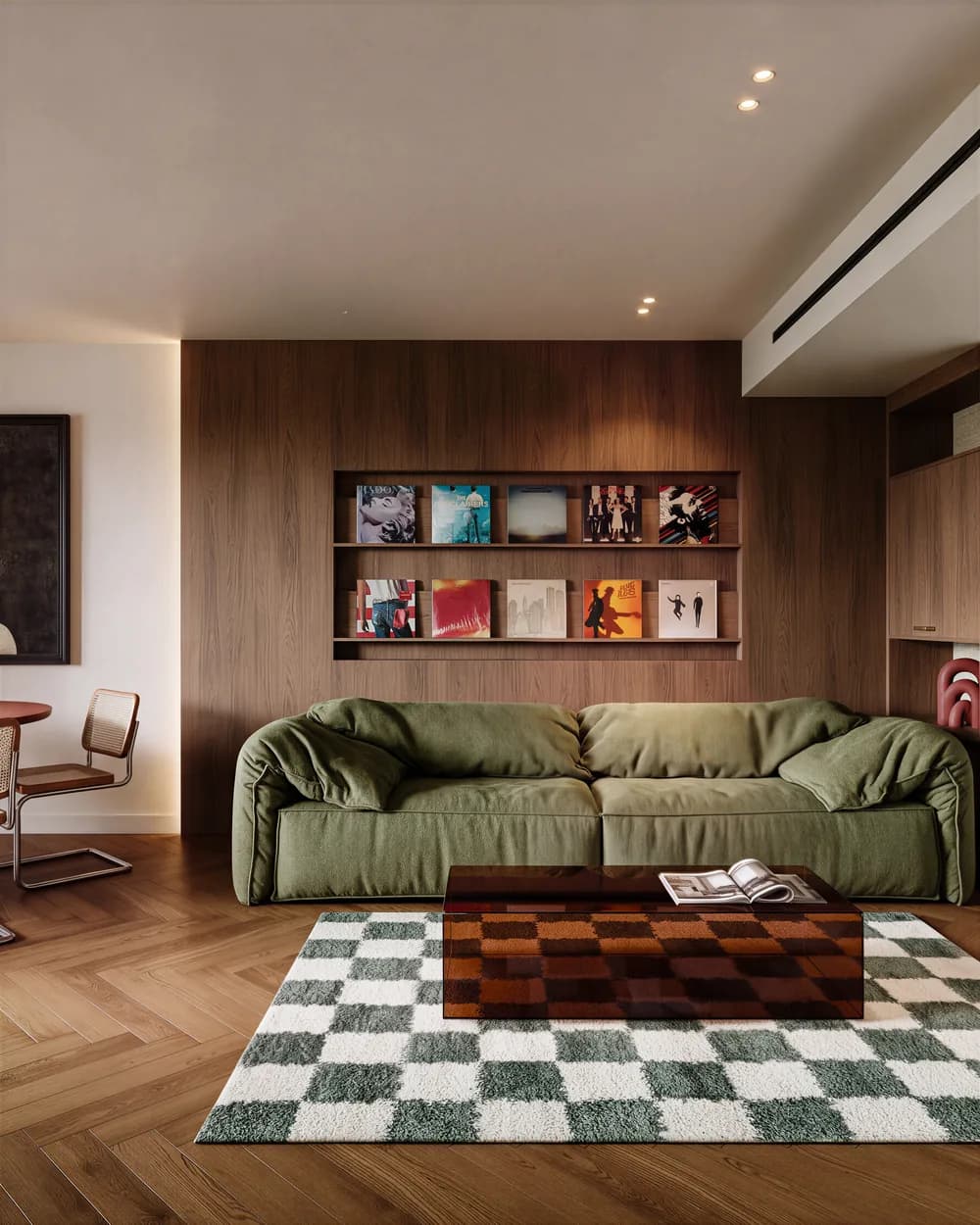
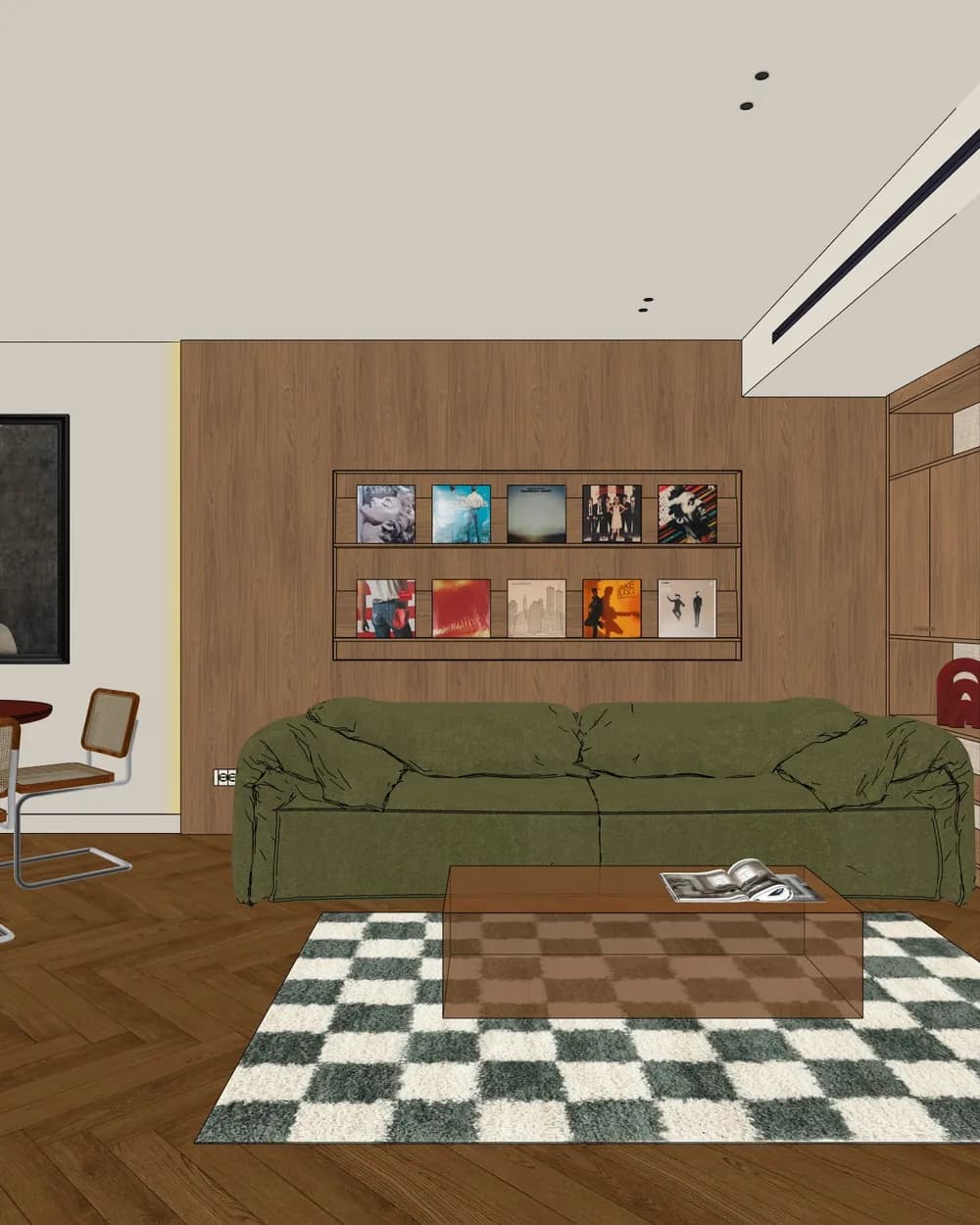
What comes out well
- Natural materials: wood, stone, travertine, marble, textiles. The AI gives them the texture and reflection a client expects.
- Light: choose day, golden hour, night or overcast before you render. Spotlights and LED strips in the model come out as real light.
- Whole rooms or details: one corner of a bathroom or the whole open-plan space.
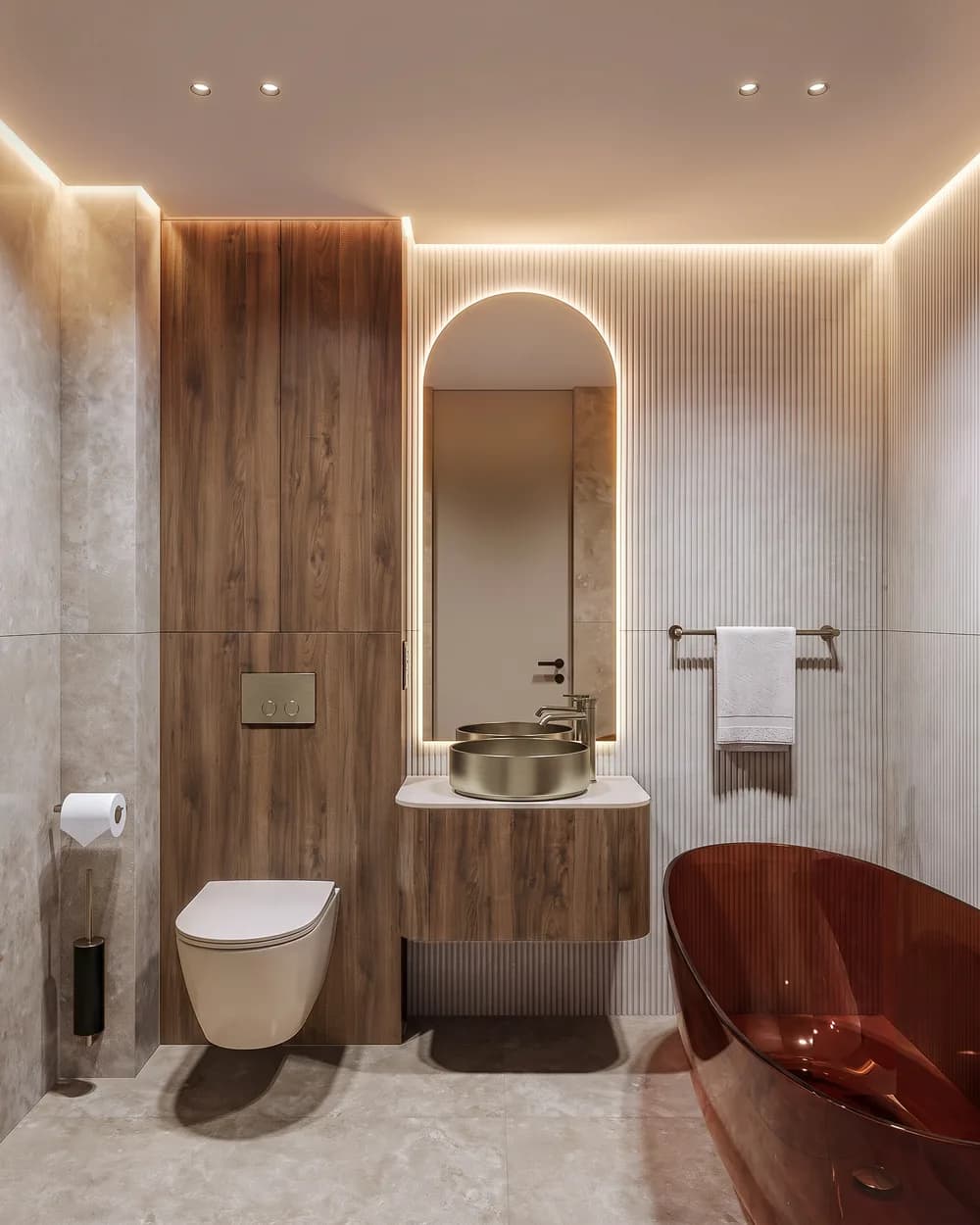
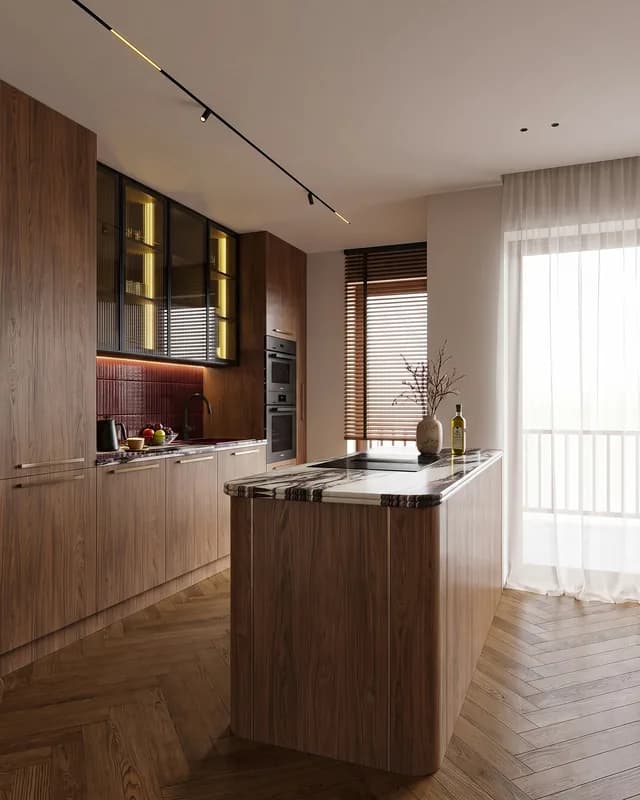
Options for the client, without rebuilding the model
Try another finish or another light on the same view, or change one material in the editor without rendering everything again. The client sees two or three options the same day.
For interior designers
AIRender is built for professionals working from their own drawings, not for restyling a phone photo of a room. You make the concept renders yourself and keep a rendering studio for final marketing images, if you need them. From the Starter plan, renders go straight into a PDF presentation for the client. Starting from SketchUp? See SketchUp to render.
Questions, answered.
Yes. Positions, proportions and the camera angle stay as drawn. The AI interprets materials and light.
Yes. The clearer the lines, the closer the render is to what you had in mind.
1K, 2K or 4K, your choice (Free: 1K). Seedream 5 Pro goes up to 2K, Nano Banana Pro up to 4K.
Under a minute with Nano Banana Pro.
A 1K render costs 1 credit, 2K 2, 4K 4. Compare it with a studio on what a render costs, or see the plans.
Render your next room.
5 free credits on signup · no card needed